Why Forgotten Subscriptions Are Such a Common Budget Problem
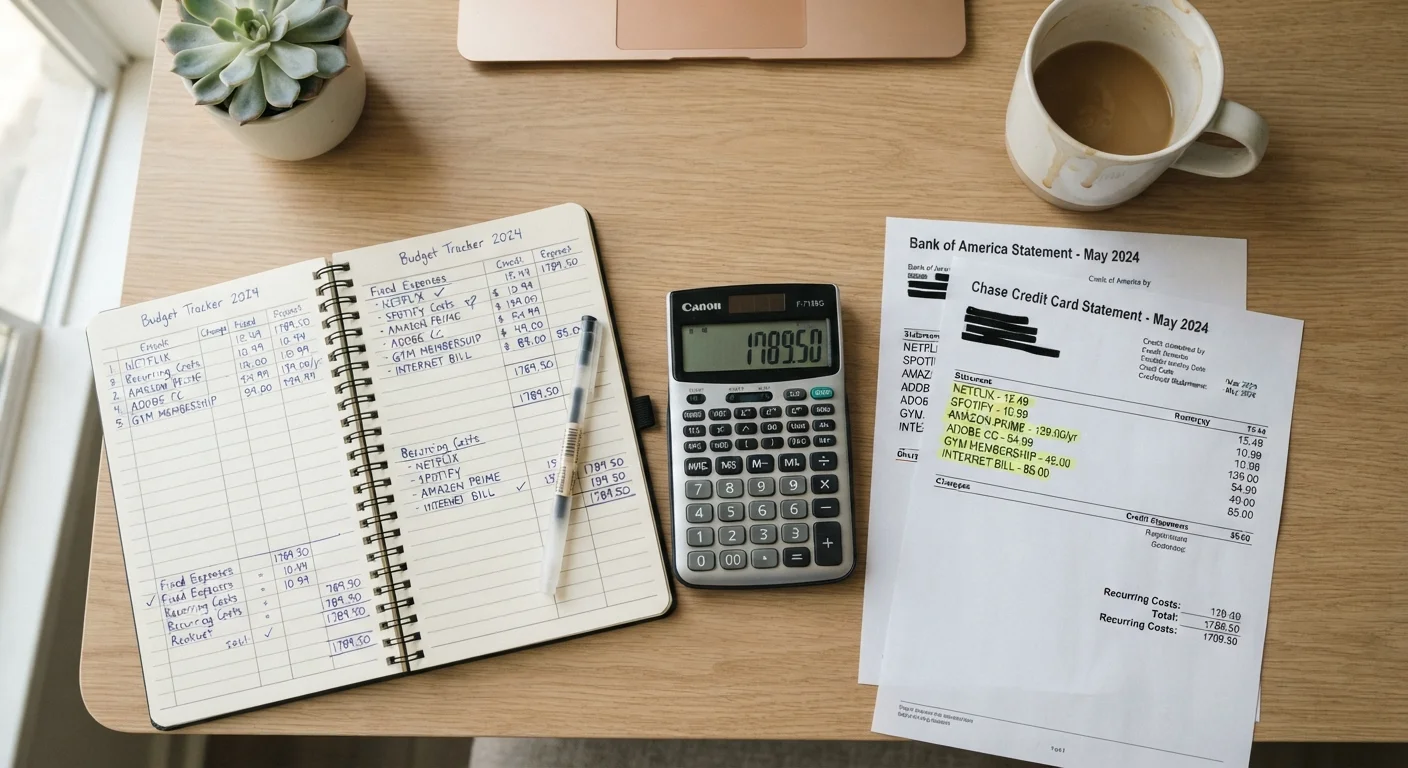
Subscription billing is designed to be frictionless — which is exactly what makes it easy to lose track of. A free trial converts to a paid plan, a streaming service you used during a slow month keeps quietly renewing, or an annual membership charges without warning. These small amounts rarely trigger alarm, but they accumulate into a meaningful budget leak over time.
This isn't a rare problem. It's one of the primary reasons spending feels higher than it should, and it's a major factor in why budgets fall apart after the first month. A subscription audit — done thoroughly just once — can recover real money and give you a clearer picture of where your income actually goes each month.
This checklist walks you through finding every recurring charge, evaluating whether it earns its keep, and cutting what doesn't.
Bank or credit union online portal
Access 90 days of transaction history to surface recurring charges by date and merchant.
Email inbox (search function)
Search for billing-related keywords to find subscription receipts and renewal notices you may have missed.
Spreadsheet or note-taking app
Organize all discovered subscriptions in one place so you can evaluate and prioritize them before taking action.
App store subscription manager
View and cancel subscriptions billed through Apple App Store or Google Play directly from your device settings.
Digital wallet account settings (PayPal, Apple Pay, etc.)
Check for active recurring payment authorizations that may not appear clearly on standard bank statements.
How to Run a Full Subscription Audit
The audit process has three phases: discovery, evaluation, and action. Work through each stage in order rather than canceling as you go — you'll make better decisions once you can see the full picture at once.
Discovery — Find Every Recurring Charge
Evaluation — Decide What Stays
Action — Cancel, Pause, or Renegotiate
Watch Out for "Cancellation" Services That Charge You
Several apps and services advertise that they'll cancel subscriptions on your behalf — but many charge a monthly fee themselves, and some require broad access to your financial accounts. Before using any third-party tool, read its terms carefully and consider whether the manual process described in this checklist is a safer option. For most people, canceling directly through the provider takes only a few minutes and carries no extra cost or risk.
Once you've completed the audit, consider folding a shorter version into your monthly budget health check so subscription creep doesn't rebuild quietly over time. For a broader view of where recurring costs tend to hide, tracking where your money actually goes each month is a useful complement to this exercise.
Verify Cancellations Actually Went Through
Canceling through an app or website doesn't always stop billing immediately — some providers require you to cancel through a separate billing portal, or require email confirmation. Always save a confirmation number or screenshot of your cancellation. If a charge appears after you've canceled, contact your card issuer promptly; most will reverse the charge and can block future recurring transactions from that merchant.
This article is for general informational and educational purposes only. It does not constitute personalized financial advice. Consult a qualified financial professional for guidance specific to your situation.